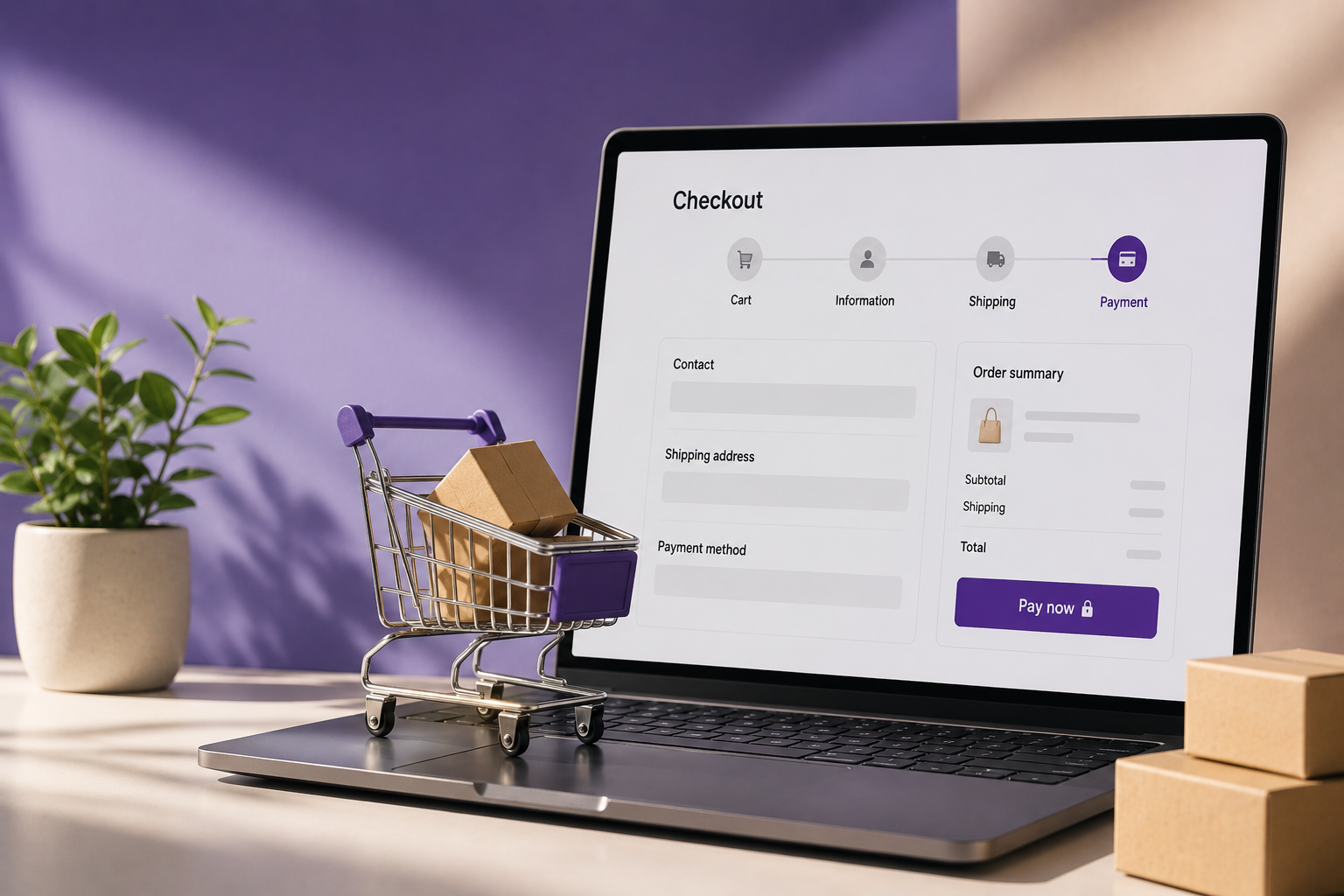
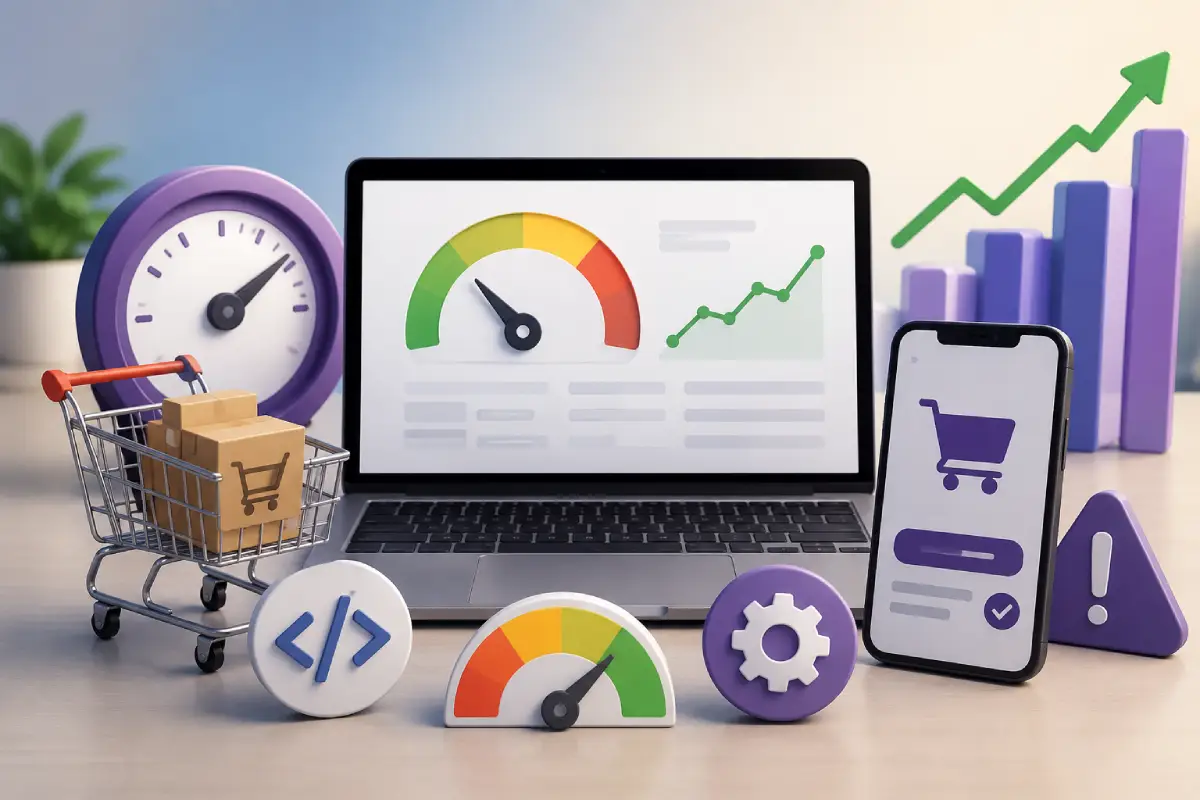
Checkout Optimization Ideas to Increase WooCommerce Sales and Reduce Cart Abandonment.
Discover powerful WooCommerce checkout optimization ideas to improve conversions, reduce cart abandonment, and create a smoother customer experience.
Many online stores lose potential sales because customers abandon their carts before completing the purchase.
A complicated or slow checkout process can negatively impact conversions and customer satisfaction.
Checkout optimization focuses on improving the user experience, simplifying payment steps, and reducing friction during the buying process.
In this article, we will discuss practical checkout optimization ideas that can help WooCommerce stores increase sales and improve customer retention.
Simplify the Checkout Process
Customers prefer quick and easy checkout experiences.
Avoid unnecessary form fields and only collect essential information.
Best Practices
- Reduce the number of checkout steps
- Use guest checkout options
- Enable autofill for forms
- Minimize distractions on checkout pages
A simplified checkout process improves conversion rates.
Enable Guest Checkout
Forcing customers to create accounts can increase cart abandonment.Guest checkout allows users to complete purchases quickly without registration.
Benefits include:
- Faster purchasing process
- Better mobile experience
- Reduced checkout friction
- Higher conversion rates
You can still encourage account creation after the purchase.
Optimize Checkout for Mobile Devices
Mobile commerce continues to grow rapidly.
Your WooCommerce checkout should be:
- Fully responsive
- Fast loading
- Easy to navigate
- Mobile-friendly
Mobile Optimization Tips
- Large buttons
- Simple forms
- Mobile payment support
- Sticky checkout buttons
A better mobile experience leads to more completed purchases.
Add Multiple Payment Options
Different customers prefer different payment methods.Providing multiple payment gateways improves convenience and trust.
Popular payment methods include:
- Credit cards
- Debit cards
- PayPal
- Apple Pay
- Google Pay
- Bank transfers
Flexible payment options help increase conversions.
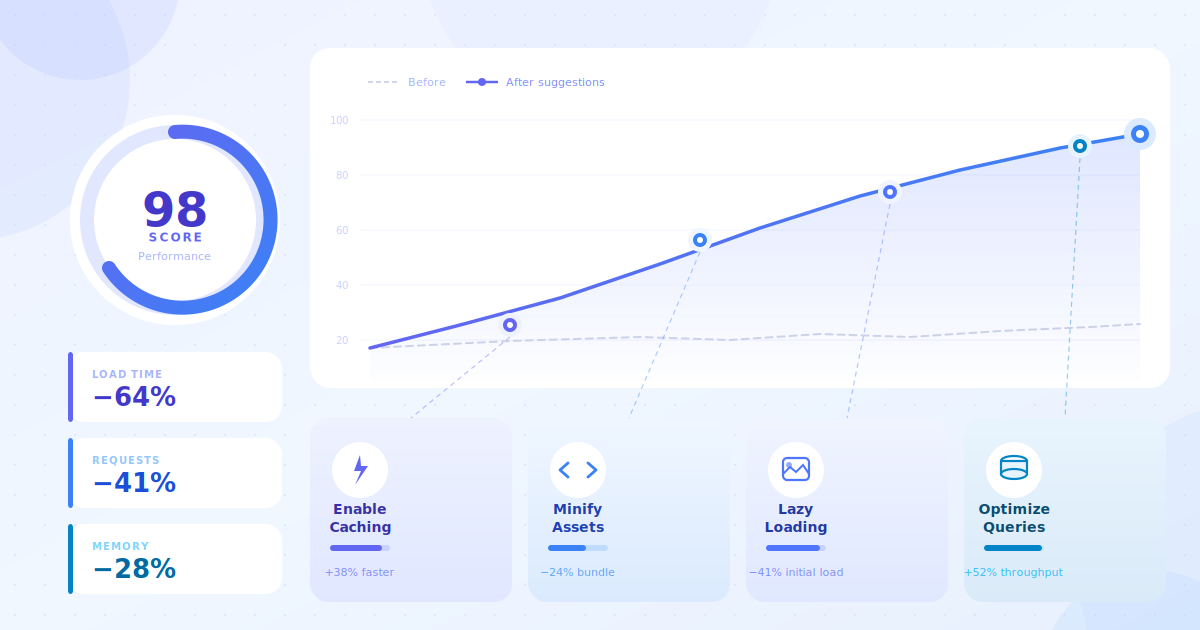
Improve Checkout Speed
Slow checkout pages can frustrate users.
Ways to Improve Speed
- Use optimized hosting
- Compress images
- Minimize scripts
- Enable caching
- Optimize WooCommerce database
Fast-loading checkout pages improve customer satisfaction.
Display Trust Signals
Trust elements reassure customers that their information is secure.
Examples include:
- SSL badges
- Secure payment icons
- Customer reviews
- Money-back guarantees
- Trusted brand logos
Trust signals can reduce purchase hesitation.
Use Smart Cart Recovery Features
Abandoned cart recovery can help recover lost sales.
Effective recovery methods include:
- Email reminders
- Discount offers
- Exit intent popups
- SMS notifications
Automated recovery systems improve revenue opportunities.
Frequently asked questions
Q: What is checkout optimization in WooCommerce?
A: Checkout optimization is the process of improving the WooCommerce checkout experience to make it faster, simpler, and more user-friendly, helping increase conversions and reduce cart abandonment.
Q: How can I reduce cart abandonment during checkout?
A: You can reduce cart abandonment by simplifying checkout fields, enabling guest checkout, improving page speed, offering multiple payment options, and displaying clear shipping information.
Q: Does a one-page checkout improve conversions?
A: Yes. A one-page checkout can improve conversions by reducing unnecessary steps and allowing customers to complete purchases more quickly and easily.
Q: Why is mobile checkout optimization important?
A: Many customers shop using mobile devices. A mobile-friendly checkout improves usability, speeds up the buying process, and helps prevent users from leaving before completing payment.
Q: Which WooCommerce features help optimize checkout?
A: Features such as guest checkout, autofill support, express payment gateways, address validation, and streamlined checkout layouts can improve the overall checkout experience.