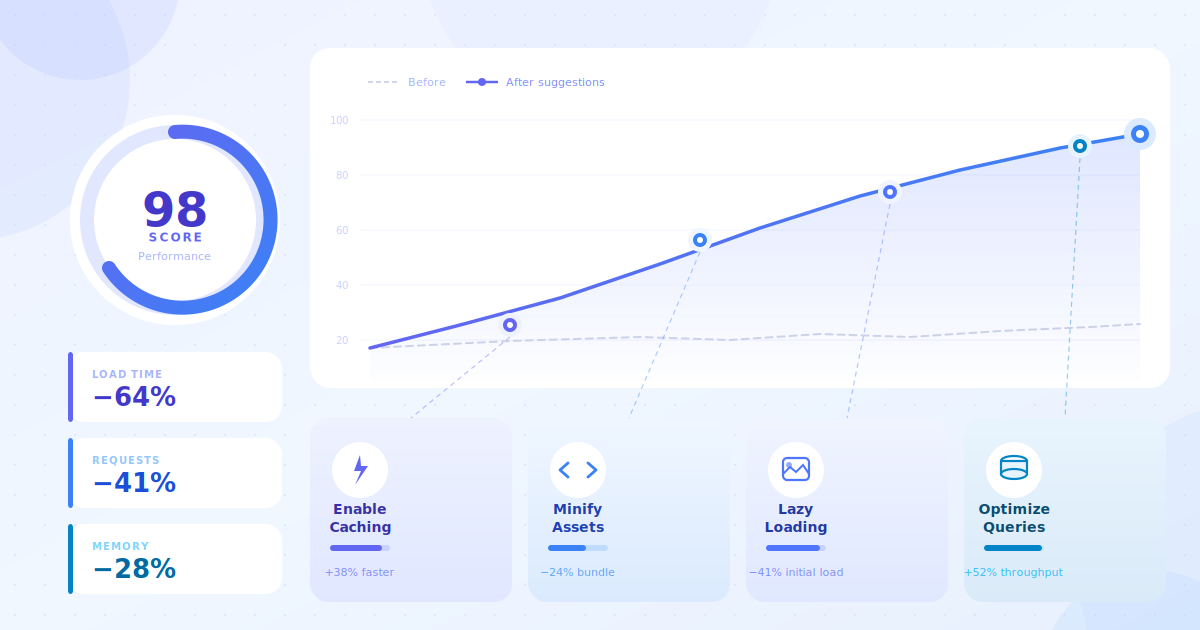
WooCommerce performance issues can significantly affect store speed, mobile usability, checkout experience, and conversions if left unresolved.
This month, while reviewing multiple WooCommerce stores, we noticed several recurring performance problems that were negatively impacting speed, checkout experience, and overall store stability.
Here are three of the most common issues we found, along with recommendations to improve them.
1. Unoptimized CSS & JavaScript Loading in WooCommerce Stores
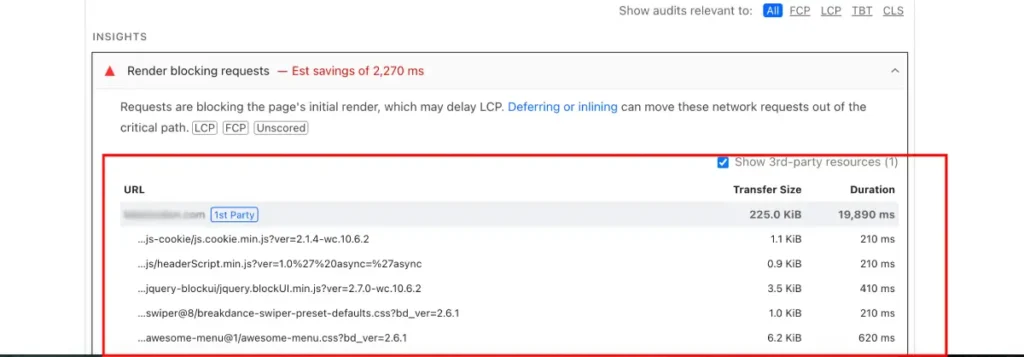
One of the most common issues we found was excessive CSS and JavaScript files loading separately during the initial page render.
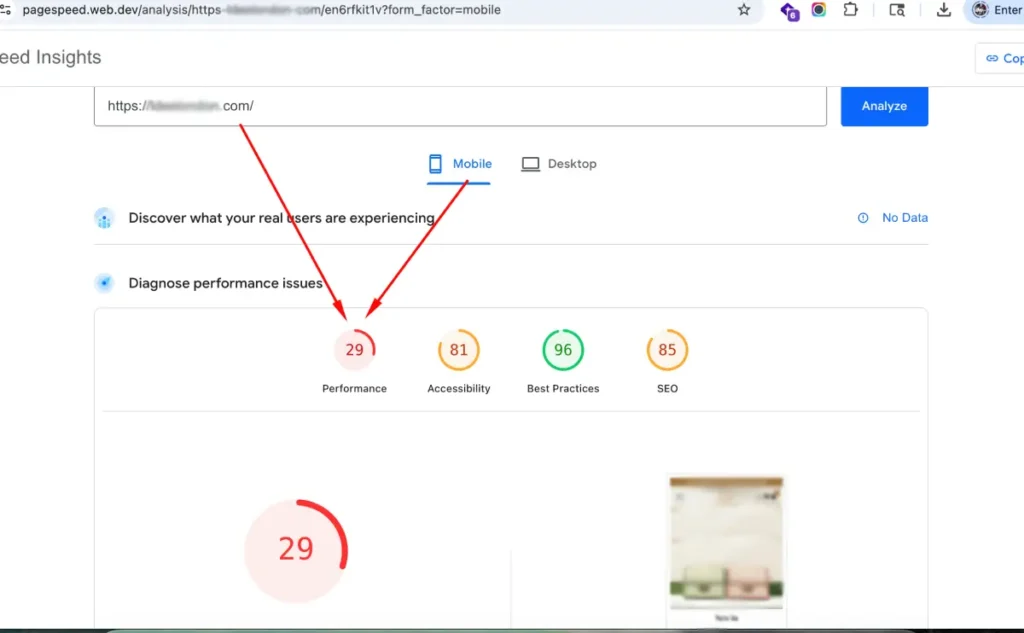
In several WooCommerce stores, dozens of CSS and JS files were being loaded before the page became interactive. This can significantly delay Largest Contentful Paint (LCP) and negatively impact mobile performance.
Why This Happens
This usually happens because:
- Multiple plugins load their own scripts globally
- Unused assets are loading on every page
- CSS/JS files are not combined or optimized
- Render-blocking resources are not deferred properly
Why It Matters
Slow frontend rendering can lead to:
- Poor mobile experience
- Lower Google PageSpeed scores
- Higher bounce rates
- Reduced conversions
- Poor Core Web Vitals performance
Recommended Improvements
Some improvements that typically help include:
- Combining and minifying CSS/JS assets
- Delaying non-critical JavaScript
- Removing unused plugin assets
- Using proper caching and CDN configuration
- Optimizing Elementor or page builder assets
We recently reviewed a UK-based fashion brand’s WooCommerce website that was loading over 25 separate frontend assets on mobile devices, causing noticeable delays during the initial page rendering.
2. Plugin Overload & Unnecessary Requests
Another issue we frequently noticed was plugin overload.
Many WooCommerce stores install multiple plugins that perform overlapping functionality, resulting in excessive database queries, HTTP requests, and frontend bloat.
In some cases, stores were running plugins that had not been updated for long periods or were loading unnecessary scripts sitewide.
Why This Happens
Store owners often add plugins over time without reviewing whether they are still necessary or optimized.
Some plugins may also load assets globally even when not needed.
Recommended Improvements
To reduce plugin-related performance issues:
- Audit installed plugins regularly
- Remove unused or duplicate plugins
- Replace heavy plugins with lightweight alternatives
- Optimise WooCommerce database tables
- Test plugin compatibility proactively
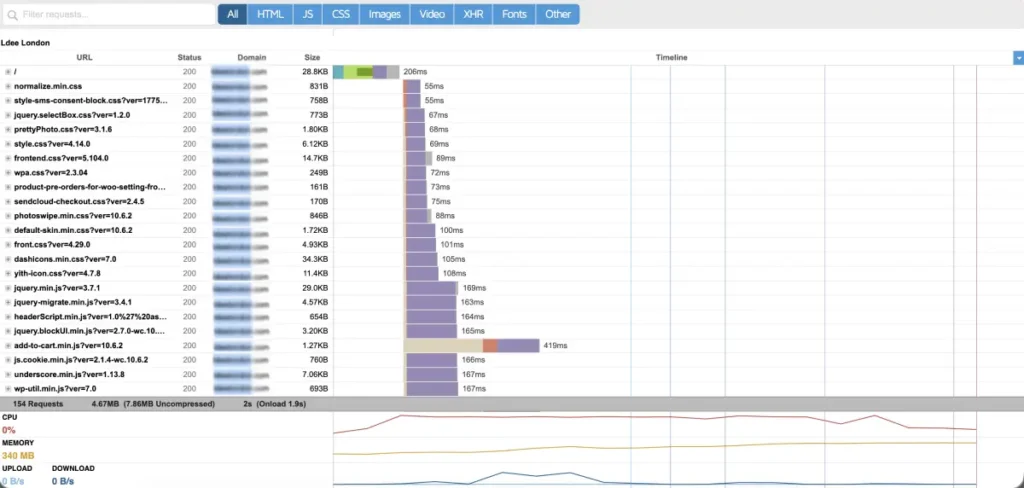
In the GTmetrix Waterfall Chart, we found three separate plugins loading similar marketing scripts, which significantly increased page requests and slowed down mobile performance.
3. Mobile Checkout Experience Friction
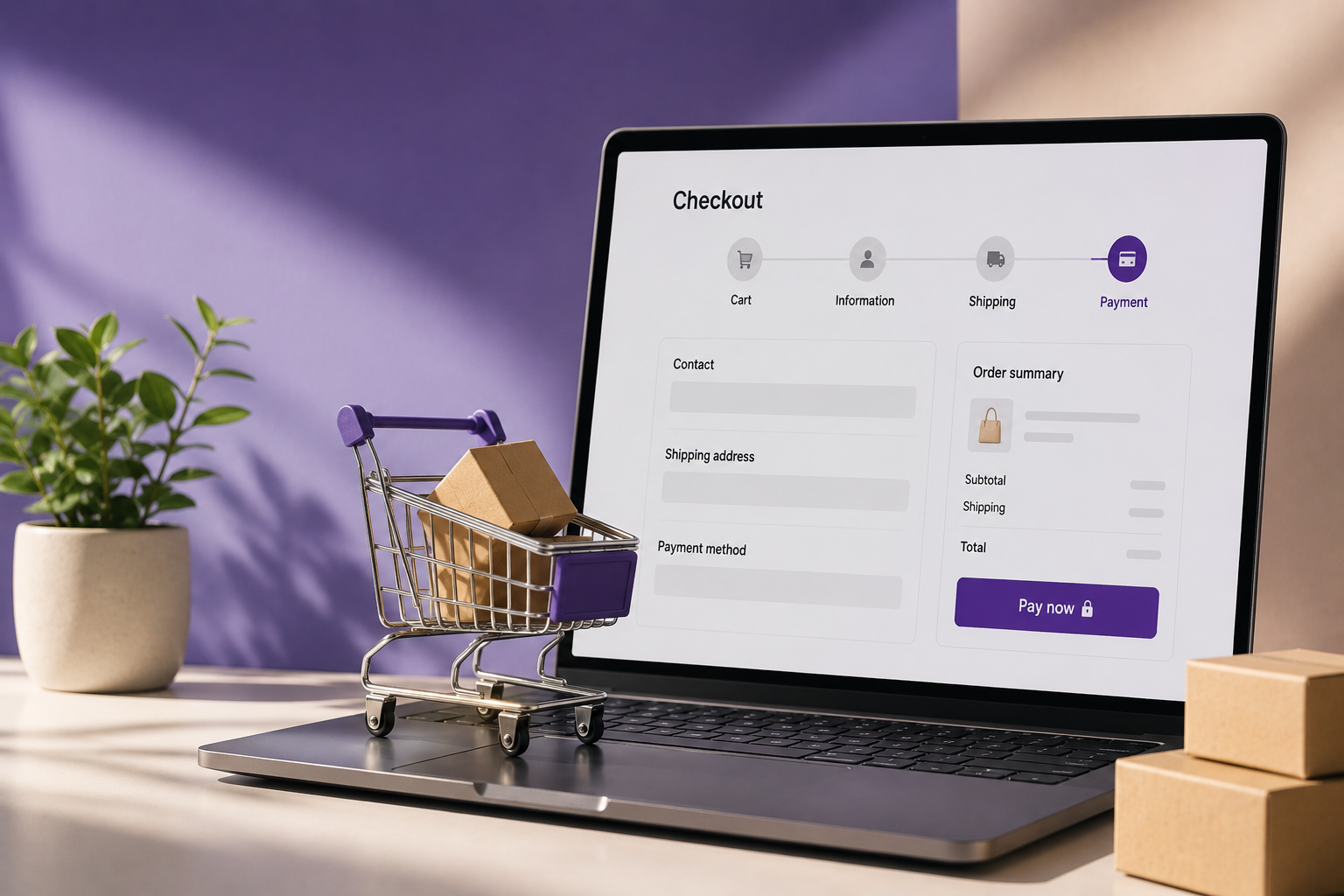
Mobile traffic now dominates many ecommerce stores, yet we still found several WooCommerce stores with checkout experiences that create unnecessary friction for customers.
This included:
- Too many checkout fields
- Slow cart updates
- Poor mobile spacing
- Lack of visual feedback after adding products to cart
- Difficult coupon flows
- Cluttered checkout layouts
Why It Matters
Even small checkout usability issues can directly affect conversions and abandoned carts.
A fast and clear mobile checkout experience is essential for growing WooCommerce stores.
Recommended Improvements
Some practical improvements include:
- Simplifying checkout fields
- Improving add-to-cart feedback
- Optimizing mobile spacing and buttons
- Reducing unnecessary checkout steps
- Improving cart and checkout speed
- Using conversion-focused WooCommerce checkout flows
In one of the restaurant ordering website we reviewed, users received no visual confirmation after adding items to cart, which could easily create confusion during ordering.
Final Thoughts
Many WooCommerce performance issues are not caused by a single problem — they usually result from multiple small technical inefficiencies accumulating over time.
The good news is that most of these issues can be improved significantly with proactive maintenance, optimization, and regular technical reviews.
At Procom, we help WooCommerce businesses improve:
- Store performance
- Checkout experience
- Website stability
- Security & maintenance
- Mobile usability
- Long-term technical growth
If you’d like us to review your WooCommerce store, feel free to request a complimentary store audit.