
WooCommerce security tips
-
By admin-procom
- •
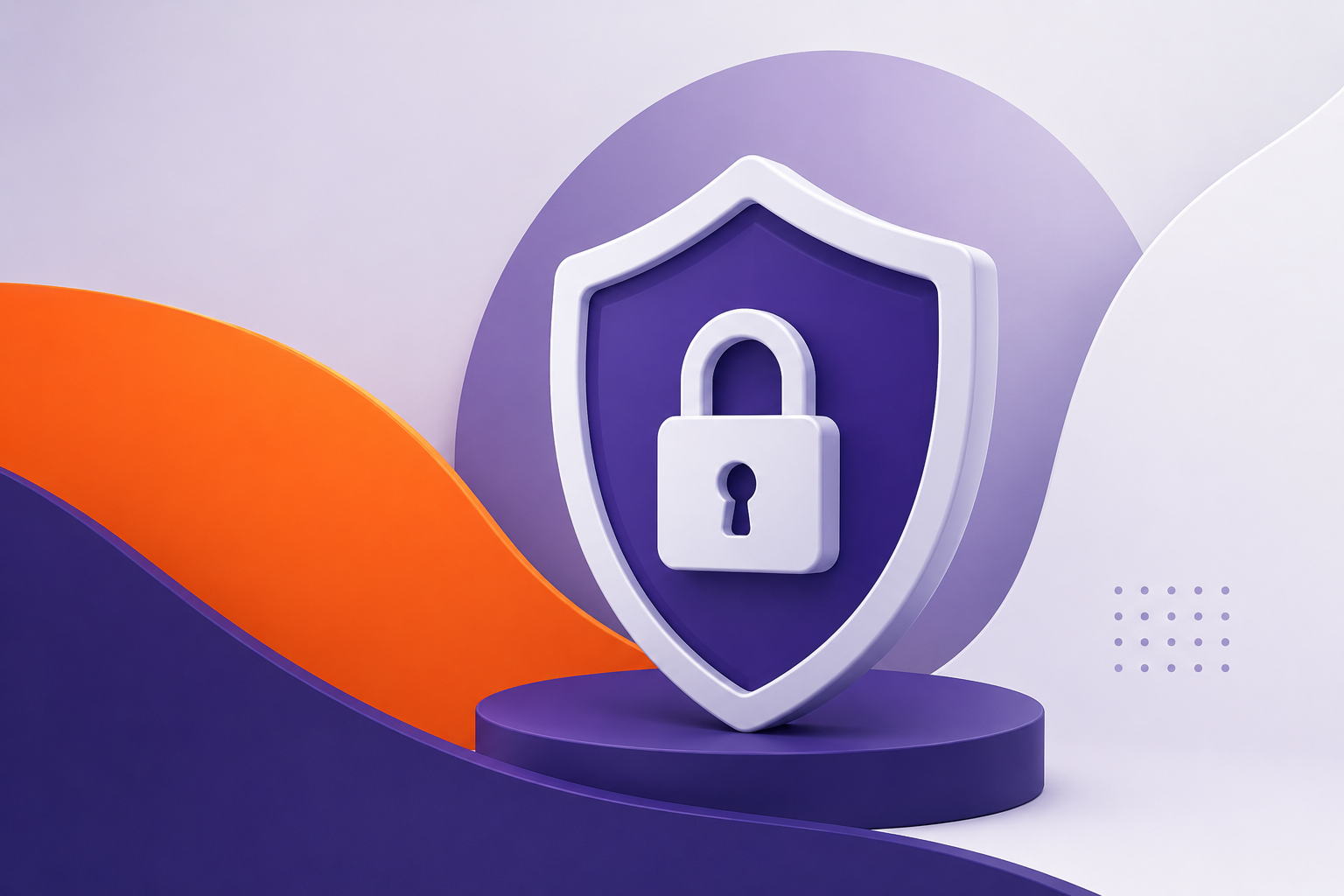
Top WooCommerce Security Tips to Protect Your Online Store in 2026.
Learn the best WooCommerce security tips to protect your online store from hackers, malware, spam, and data theft while improving customer trust.
Running a WooCommerce store is one of the best ways to grow an online business, but security should always be a top priority. Cyberattacks, spam registrations, malware infections, and payment fraud can damage your business reputation and reduce customer trust.
Whether you run a small online shop or a large eCommerce platform, protecting your WooCommerce website is essential for business growth and customer confidence.
In this article, we will explore the most effective WooCommerce security tips that help protect your website, customer data, and online transactions.
Always Keep WooCommerce Updated
One of the easiest and most important security practices is keeping WooCommerce, WordPress core, plugins, and themes updated.
Developers regularly release updates to:
- Fix security vulnerabilities
- Improve performance
- Patch bugs
- Enhance compatibility
Using outdated plugins or themes can create security risks that hackers may exploit.
Best Practice
- Enable automatic updates for trusted plugins
- Remove unused plugins and themes
- Test updates on a staging website before applying them live
Use Strong Login Credentials
Weak passwords are one of the most common causes of website breaches.
Use strong passwords that include:
- Uppercase letters
- Lowercase letters
- Numbers
- Special characters
Avoid using usernames like “admin” or “administrator.”
Recommended Security Steps
- Enable two-factor authentication (2FA)
- Limit login attempts
- Use password managers for secure password storage
Install an SSL Certificate
An SSL certificate encrypts data transferred between your website and users. This is especially important for WooCommerce stores because customers enter personal and payment information during checkout.
Benefits of SSL:
- Secures customer information.
- Improves customer trust.
- Helps with SEO rankings.
- Prevents data interception.
You can identify SSL-enabled websites by the “https://” prefix in the URL.
Use a Security Plugin
Security plugins help monitor, scan, and protect your WooCommerce website from malware and suspicious activity.
Popular Security Features:
- Malware scanning
- Firewall protection
- Login protection
- File change monitoring
- Real-time threat detection
A security plugin can automatically block malicious traffic and notify you about suspicious activities.
Regular Website Backups
Backups are essential for disaster recovery. If your website gets hacked or crashes, backups allow you to restore your store quickly.
Backup Tips:
- Schedule automatic backups.
- Store backups in cloud storage.
- Keep multiple backup versions.
- Test backup restoration regularly.
Reliable backups reduce downtime and help maintain business continuity.
Secure Payment Gateways
Payment security is critical for eCommerce websites. Always use trusted and secure payment gateways.
Recommended Practices:
- Use PCI-compliant payment gateways.
- Avoid storing card details on your server.
- Enable fraud detection tools.
- Monitor suspicious transactions.
Secure payment systems help protect both businesses and customers.
Monitor User Access
Not every user needs full admin access. Assign proper user roles and permissions.
User Access Tips:
- Give admin access only to trusted users.
- Remove inactive user accounts.
- Review user roles regularly.
- Monitor login activity.
Managing user permissions reduces internal security risks.
Frequently asked questions
Q: Why is WooCommerce security important?
A: WooCommerce security is important because online stores handle sensitive customer information such as personal details, login credentials, and payment data. Strong security helps protect your business and customers from cyber threats.
Q: How can I secure my WooCommerce website?
A: You can secure your WooCommerce website by using strong passwords, enabling SSL certificates, keeping WordPress and plugins updated, using security plugins, and choosing reliable hosting.
Q: Should I regularly update WooCommerce plugins and themes?
A: Yes. Regular updates help fix security vulnerabilities, improve compatibility, and protect your website from known threats and attacks.
Q: What is the role of SSL in WooCommerce security?
A: An SSL certificate encrypts data transferred between your website and visitors, helping secure login details, payment information, and customer data during transactions.
Q: Can security plugins protect WooCommerce stores from hackers?
A: Security plugins can help protect WooCommerce stores by monitoring suspicious activity, blocking malicious traffic, scanning for malware, and adding extra layers of website protection.